

Superlist
Review ratings
Integration support
None
Ideal for
Paid
Price
Paid
Gallery

About Superlist
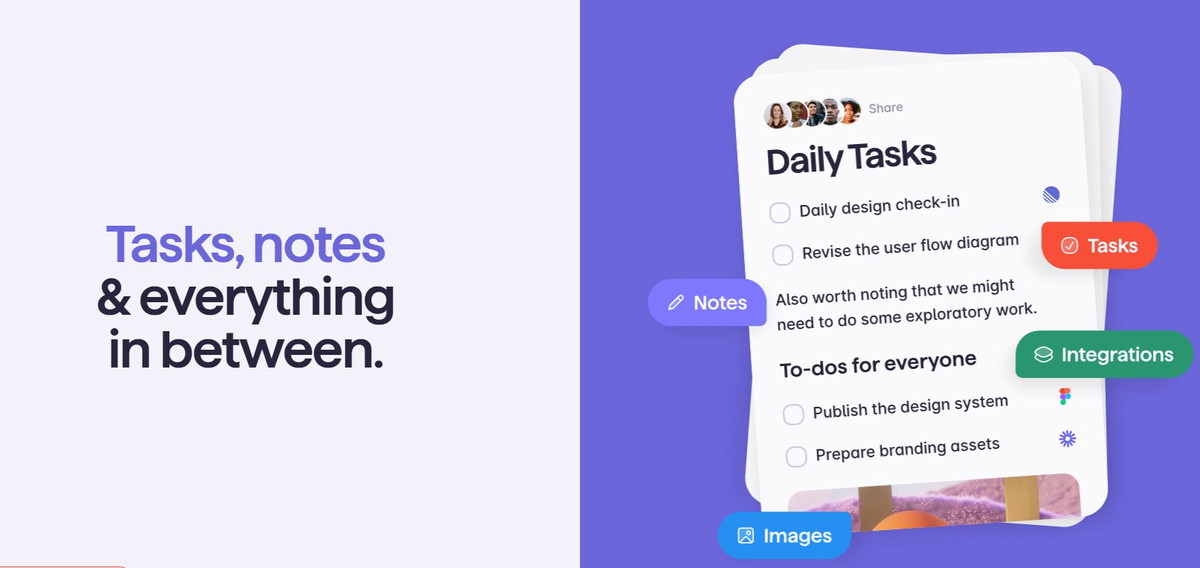
Superlist is a productivity tool crafted to assist users in organizing diverse lists for individual and collaborative projects. It includes functionalities like note-taking, task management, and teamwork, powered by AI features, and is available on various platforms including macOS, iOS, Android, and the web. Users can begin with a complimentary plan and have the opportunity to upgrade for enhanced features and storage capacity.
Superlist key features
Cross-Platform Compatibility: Available on macOS, iOS, Android, and web interfaces, facilitating smooth operation across various devices.
AI-Enhanced Functionality: Leverages artificial intelligence for generating lists, managing tasks, and intelligent writing, boosting efficiency.
Team Collaboration Features: Enables live collaboration with colleagues, friends, or clients, including shared lists and task delegation.
Task Management Features: Provides functionalities such as reminders, recurring tasks, and the ability to transform emails into actionable tasks.
Data Privacy and Security: Guarantees that user information remains confidential by default, with options to share lists only when desired.
Superlist use cases
Team Collaboration: Enhance collaborative efforts by enabling users to create, share, and oversee lists for projects, ensuring everyone is synchronized on assignments and timelines.
Task Management: Streamline both personal and professional tasks with functionalities such as reminders, recurring tasks, and the ability to generate tasks from emails or Slack messages.
AI-Driven List Generation: Leverage AI to create lists and tasks based on user inputs, boosting efficiency and minimizing the time allocated to list organization.
Cross-Platform Accessibility: Manage and access lists effortlessly across multiple devices including macOS, iOS, Android, and web, providing flexibility and ease of use.
Confidential and Secure Sharing: Preserve privacy by default, empowering users to dictate what information is shared and with whom
Useful for
Consolidates task oversight for both collaborative projects and individual assignments, boosting organization and efficiency.
Connects with widely-used platforms such as Notion, Loom, and Zoom, optimizing workflows and teamwork.
Features AI-driven tools for streamlined list generation and task oversight, conserving time and resources.
Facilitates real-time collaboration features, enabling users to collaborate effortlessly from any location.
Prioritizes data privacy and security, empowering users to manage what information is shared and with whom.